
Elbook
A journal for iPad that feels like writing in your own book.
Pick a cover. Write on the paper with your Apple Pencil, and experience the feeling of a real book right on your iPad.

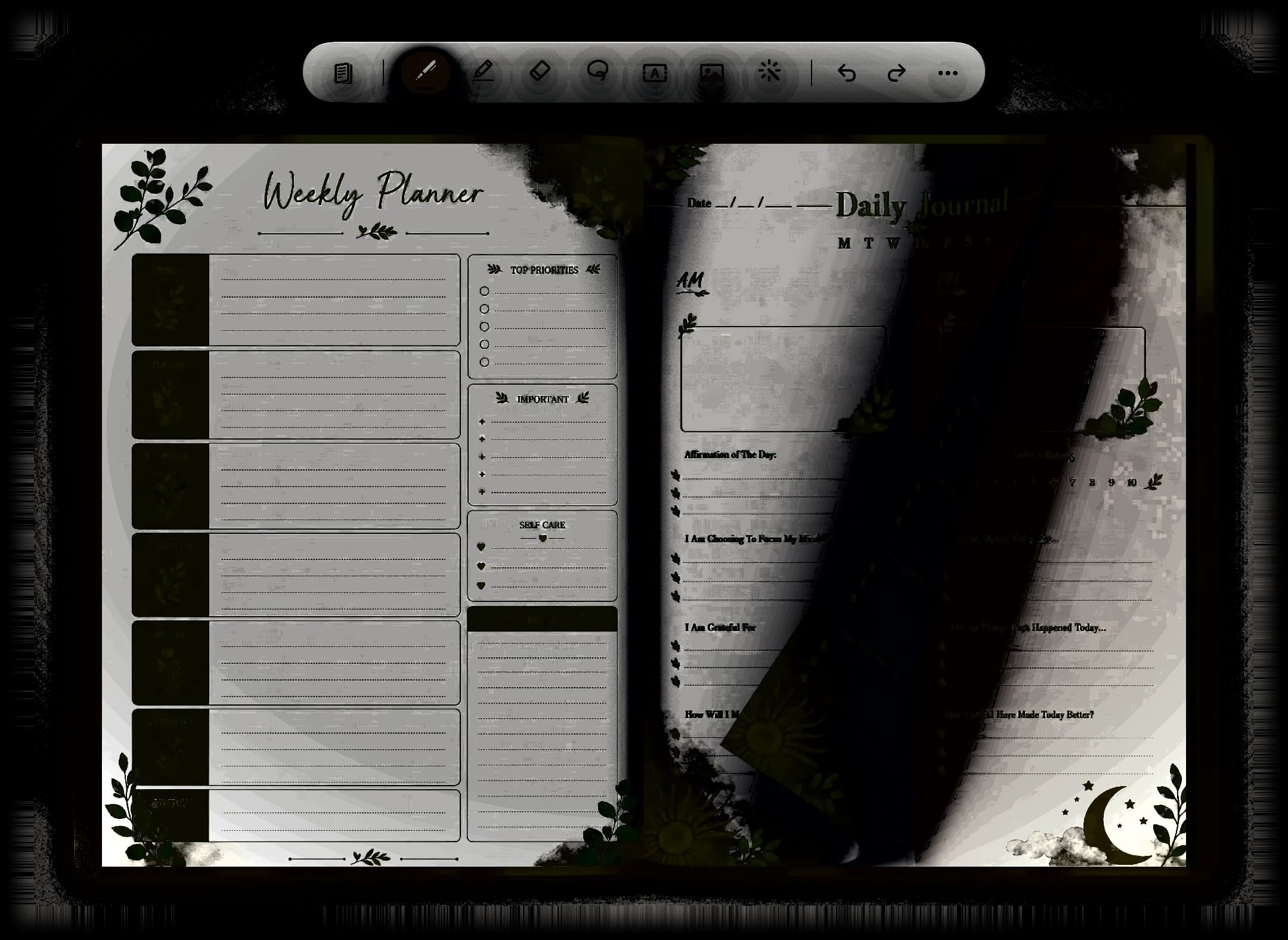
- Apple Pencil
- Pen, marker, fountain, pencil, highlighter and more.
- Bring your own PDF
- Import any PDF and turn it into a book you can write on.
- Private
- No account, no cloud. Nothing leaves your device.
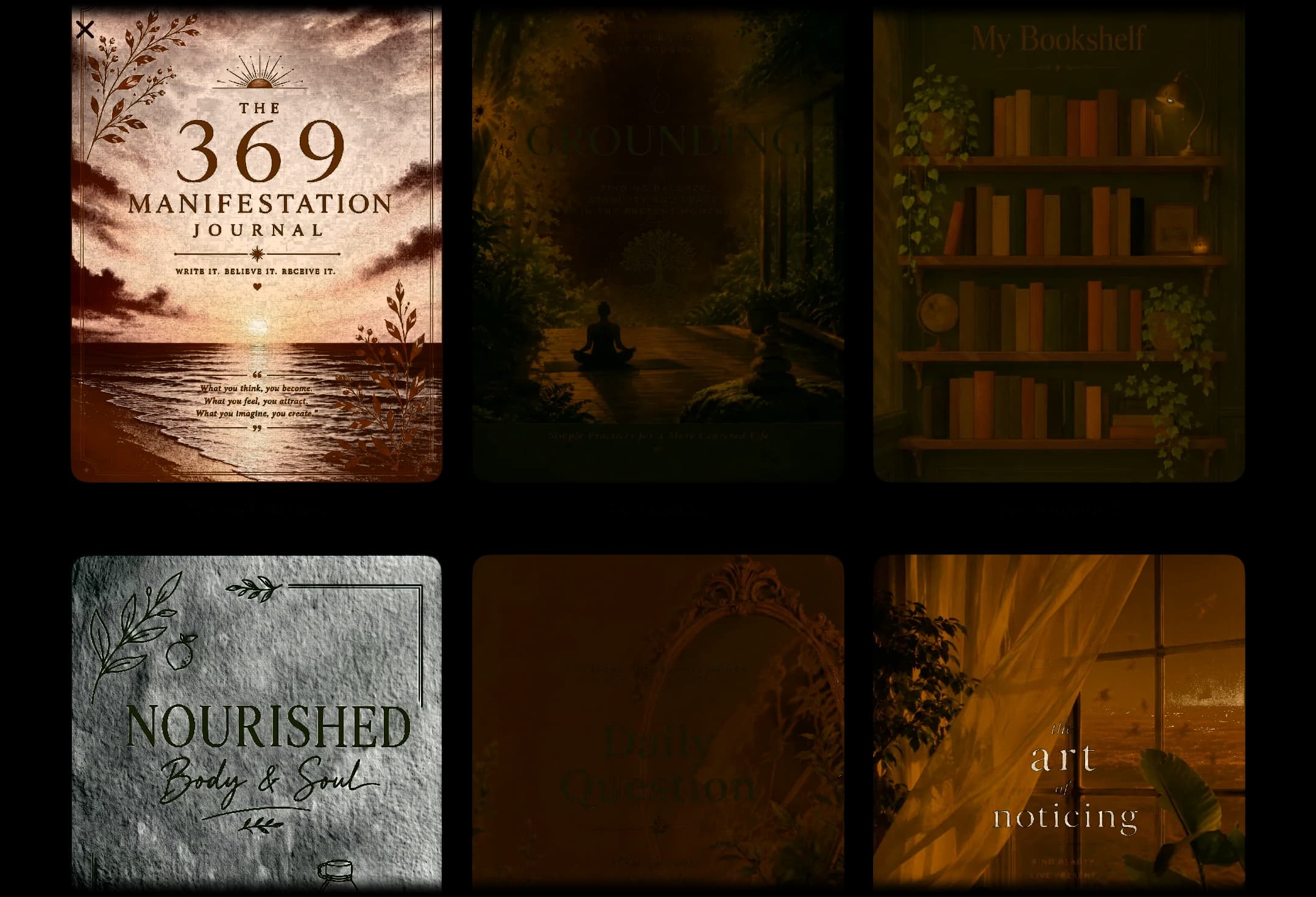
Start from a template.
Ten designed journals, including Shadow Work, Dream Journal, and The 369 Method, ready to use. Or start blank and pick your own paper.
Make it yours.
Pick a cover from the library, choose a colour, or use a photo of your own. Choose leather, cloth, marble, or a pressed botanical print, in hardcover or spiral. Every book on your shelf is one you made.